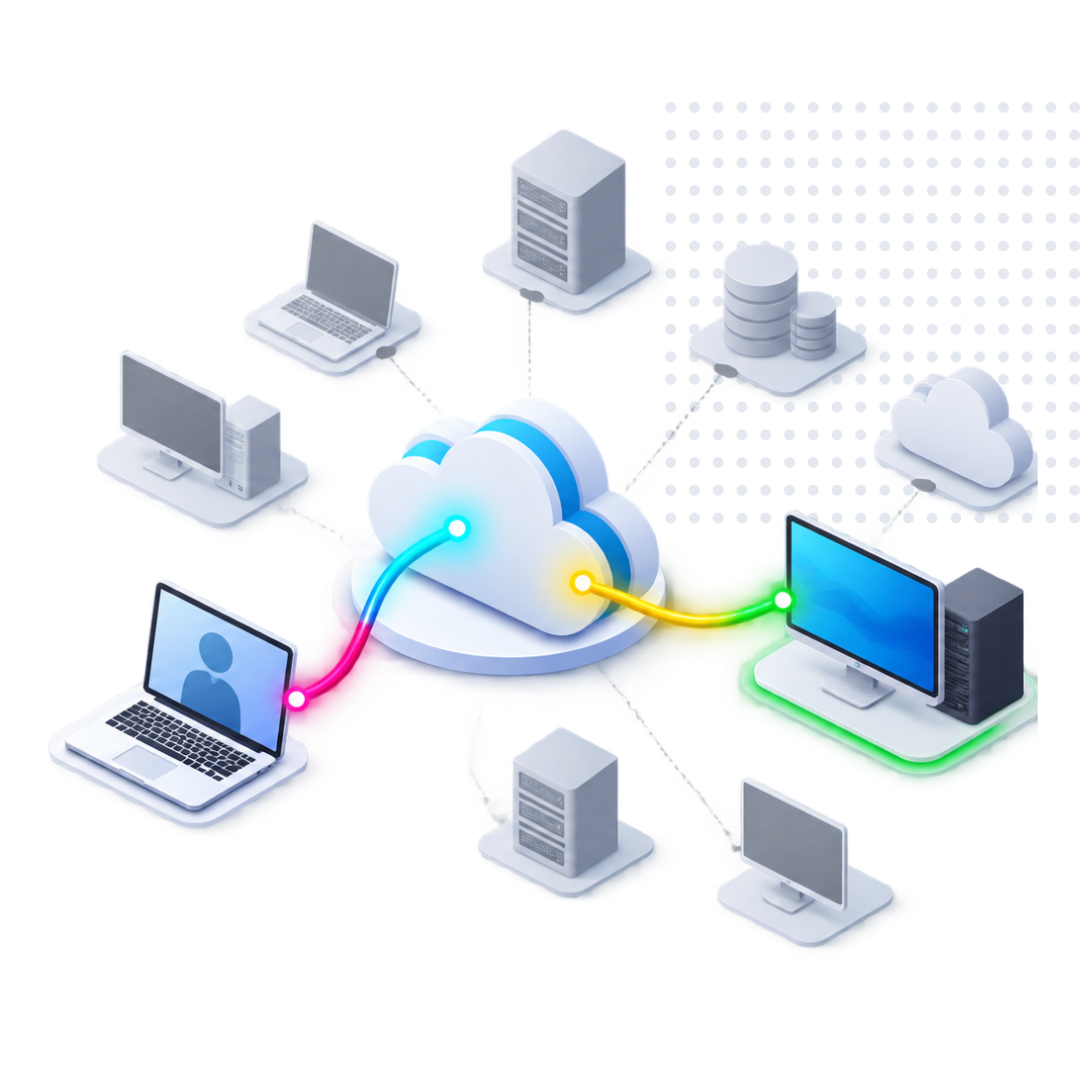
Employees, contractors, engineers, and support teams frequently need remote access to a specific computer or workstation. Giving them broader access to the surrounding network can add unnecessary risk and complexity.
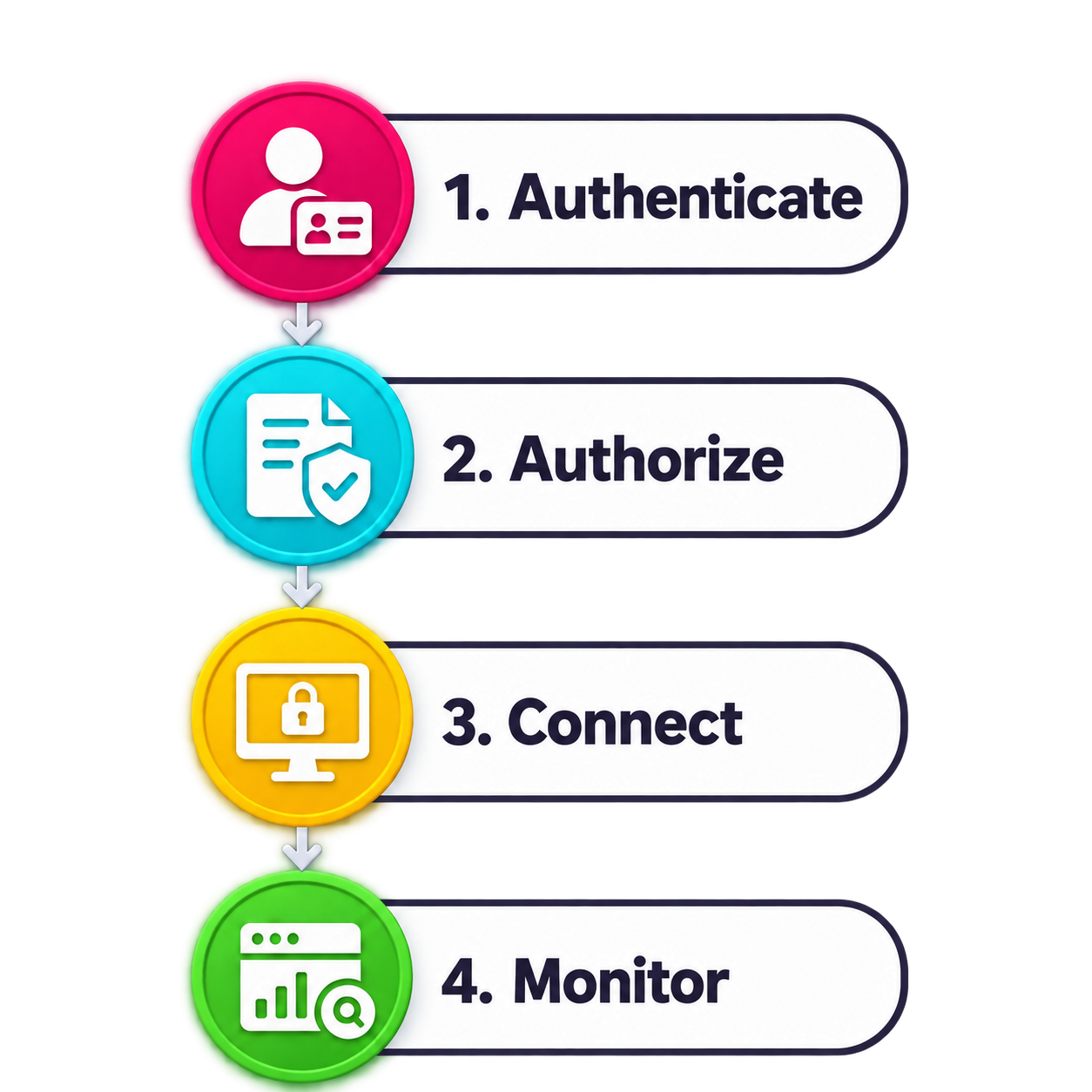
Leostream Cloud authenticates each user, applies your access policies, and presents only the resources that user is authorized to access. The user receives a simple connection experience, while IT maintains centralized control over access and activity.
Leostream Cloud can support physical, virtual, and cloud-hosted resources running Windows, Linux, and macOS.
Users sign in through your organization’s identity provider, including support for MFA.
Leostream Cloud evaluates identity and policy to determine which resources the user is permitted to access.
Users select an authorized resource, and Leostream Cloud establishes the connection using the appropriate remote display protocol.
Centralized logs provide visibility into remote access activity, with optional session recording for additional oversight.
Leostream Cloud uses a cloud-hosted management plane to centralize identity, policy, resource assignment, and connection management.
The Leostream Cloud Gateway runs within the customer’s environment, while an Agent installed on the protected resource uses outbound-oriented connectivity. This architecture reduces the need to expose services such as RDP and SSH directly to the internet.
IT maintains control over access to private resources without managing an on-premises Leostream Connection Broker.
Cloud-hosted management
Leostream manages the cloud control plane, reducing the infrastructure your team needs to deploy and maintain.
Customer-controlled connectivity
The Gateway remains within your environment and provides a controlled path to protected resources.
Outbound-oriented Agents
Agents on protected resources initiate outbound connectivity, helping reduce inbound firewall exposure.
Remote access requirements vary by operating system, application, infrastructure, and user.
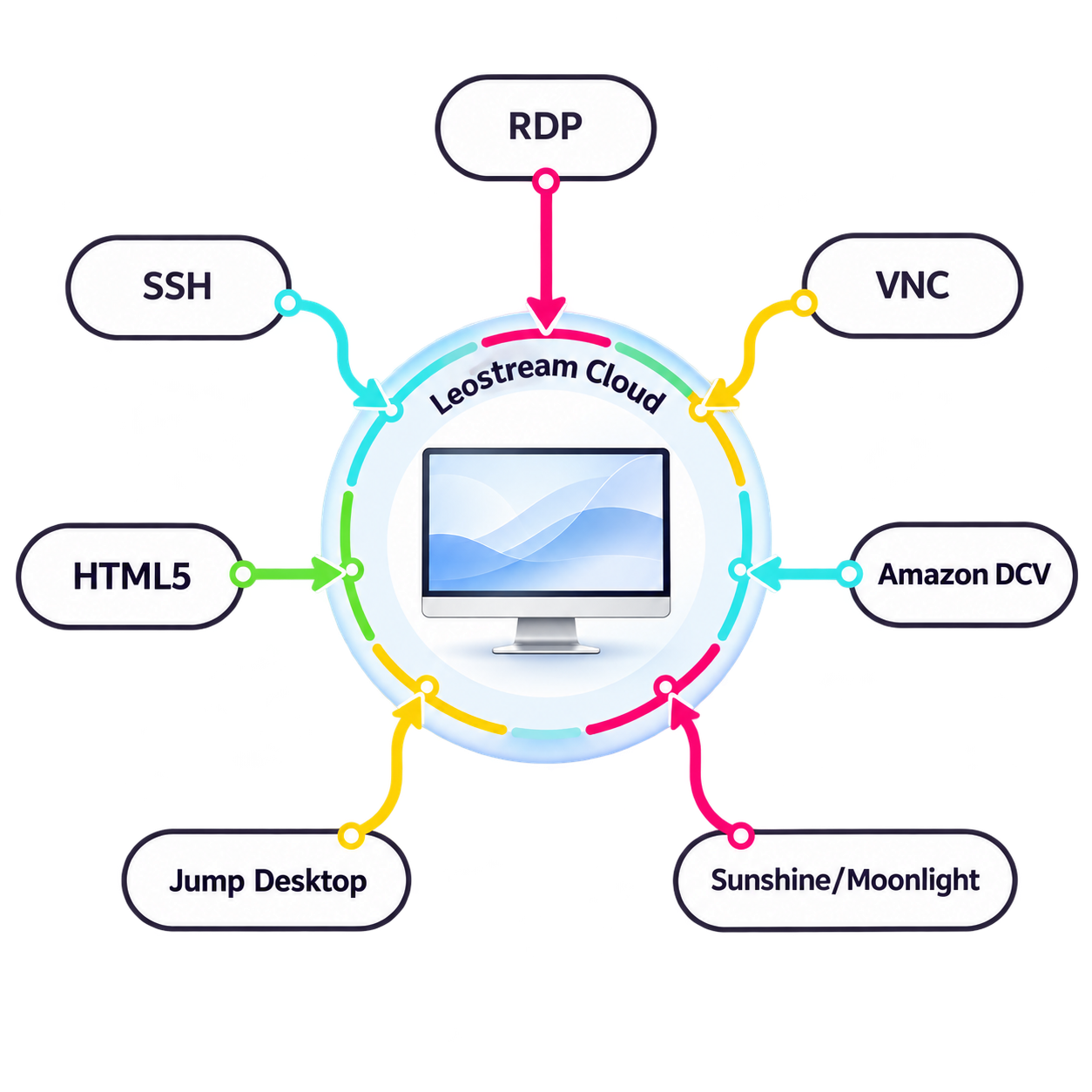
Leostream Cloud centralizes the access experience while allowing IT to select the connection technology that best supports each workload.
Supported options include:
An office employee can connect using RDP, a developer can access a Linux system through SSH, and a creative professional can connect to a GPU workstation using a high-performance display protocol. IT manages those connections through one control plane.
VPNs were designed for a world where users sat inside a fixed perimeter, but today’s hybrid teams and distributed workloads require stronger, more precise control. In this short video, we break down the core differences between VPN-based access and a modern secure remote access model. You’ll see how Leostream shifts the workflow from a network-first approach to a resource-first approach, exposing only the approved desktop or application instead of the entire network.
This demo highlights why VPNs struggle with least-privilege access, visibility gaps, and third-party risk, and shows how Leostream’s centralized, policy-driven platform delivers secure, clientless access across on-prem, cloud, and GPU-backed environments. If your organization is looking for a cleaner, safer way to support hybrid access, this overview provides a clear path forward.

Leostream Cloud supports organizations that need controlled access to:
Connect hybrid employees to their assigned computers without providing unnecessary network access.
Provide remote access to CAD, design, modeling, and other specialized technical applications.
Connect creative, visualization, research, and engineering users to high-performance workstations.
Give developers, researchers, and technical users controlled access through graphical or command-line connections.
Support creative and technical teams that rely on physical or virtual macOS resources.
Give employees, vendors, and contractors access to specific systems behind the firewall.
The Gateway remains within your environment and provides a controlled path to protected resources.
Agents on protected resources initiate outbound connectivity, helping reduce inbound firewall exposure.
Leostream Cloud is a cloud-hosted remote access service that connects authorized users to specific desktops, workstations, and protected resources. It centralizes identity, access policies, resource assignments, connections, and auditing.
Resources can be physical, virtual, or cloud hosted. They can reside in offices, data centers, protected private networks, or public cloud environments.
Leostream Cloud can provide access to Windows, Linux, and macOS resources.
Leostream Cloud can provide access to specific desktops and workstations without requiring traditional VPN access to the surrounding network. Organizations may continue using a VPN for users who need broader network connectivity.
Yes. MFA can be provided through an integrated SAML or OpenID Connect identity provider.
The Leostream Cloud Agent supports outbound-oriented connectivity, reducing the need to expose services such as RDP and SSH directly to the internet.
Options include RDP, VNC, SSH, built-in HTML5 access, Amazon DCV, Jump Desktop, and Sunshine/Moonlight.
Yes. Policies can limit contractors and vendors to the specific resources they are authorized to access.
Optional session recording can provide additional visibility and accountability for supported connection workflows.